When someone leaves, every door closes. And you can prove it.
Most companies close most of the doors and never find out about the rest — until an audit, an insurance form, or an ex-employee who can still read email. Unify365 turns leaving into one guided checklist where you approve each step, and ends with a certificate that tells the truth.
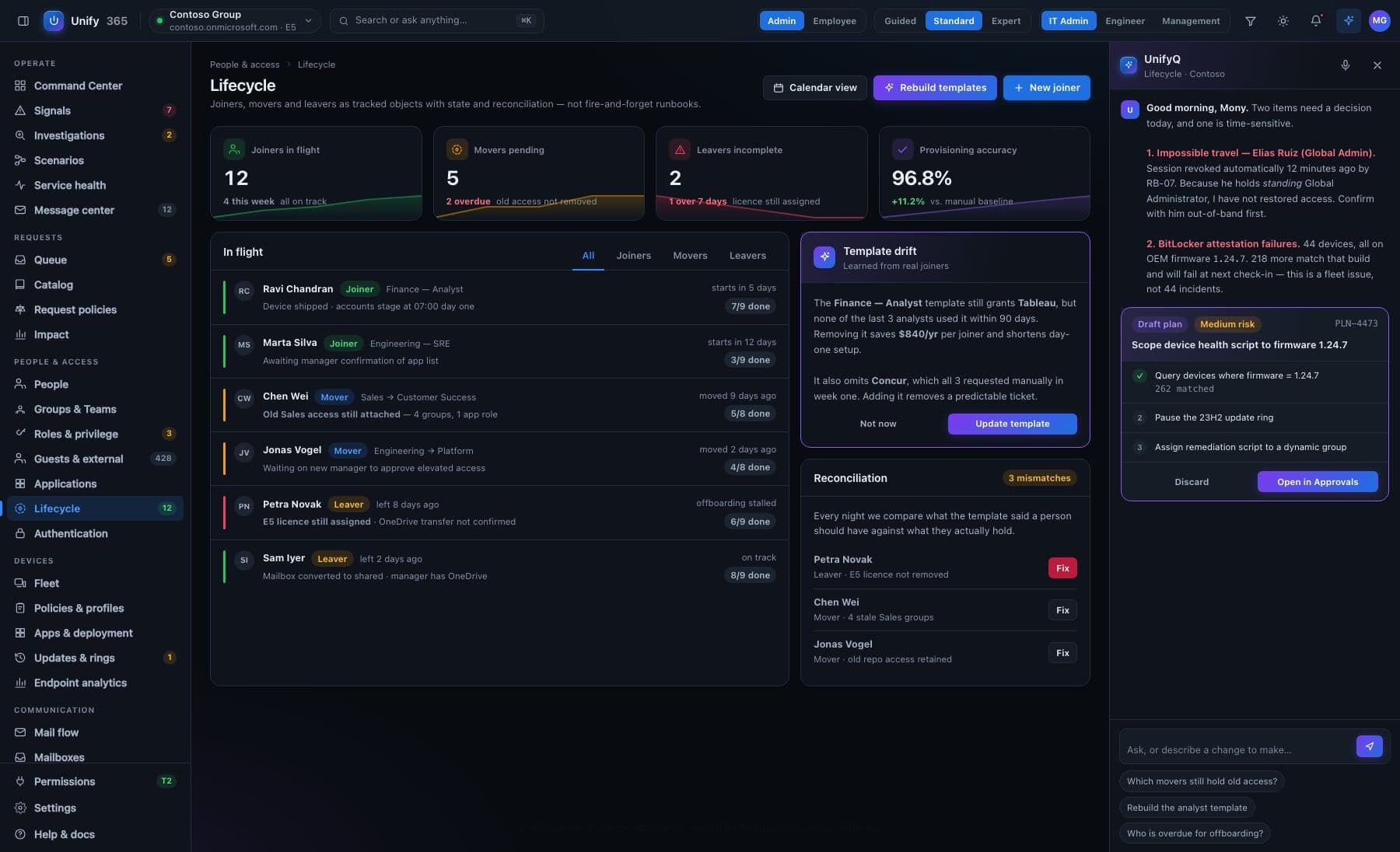
Four steps, start to proof.
Tell it who's leaving
Type a name — or let a routine start it when the account is disabled. It drafts the plan: account off, signed out on every device, out-of-office set, licenses returned, group memberships removed. Handing the mailbox to a manager and moving their files are Microsoft-console jobs today, so the plan lists them as follow-ups for a person rather than pretending to do them.
See what breaks first
Ask Unify365 what the ripple effects are: is this person the only owner of something? Would removing them strand a shared mailbox or leave nobody holding an important role? Ask before you approve, not after.
Approve each step — or the whole plan
Every step shows exactly what will change. You (or a second approver, if you require one) say yes. Steps run in order, each one recorded, and anything that fails stops and tells you why — it never pretends.
Hand over the certificate
The finished run produces a signed completion certificate: every step, who approved it, when it ran — and, on every certificate, the honest list of what a computer can't do: the office key, the alarm code, the badge. Undo stays available for 30 days.
Every change here walks through the five doors.
See it first
The exact before-and-after, spelled out — on the real, current data.
Type to confirm
You type the name of what's changing. No accidental clicks, ever.
Second opinion
A different admin must approve what you proposed. Routines can require two sign-offs.
On the record
Who asked, who approved, what changed, when — written down, permanently.
Undo button
Most changes can be rolled back for 30 days. It tells you honestly when one can't.
Built honest, on purpose.
It refuses to lie
A failed or skipped step means the certificate says NOT complete, names the step, and states plainly that the access it should have removed must be assumed to still exist.
Ripple effects, on request
“What breaks if we do this?” is a question you can ask before you approve — including access inherited through groups inside groups that Microsoft's own screens won't untangle.
The auditor's copy
The certificate is the artifact your auditor and your cyber-insurance renewal actually ask for. Print it, attach it, done.
What it won't pretend: things outside Microsoft 365 — the office key, the alarm code, accounts in apps we can't reach yet — appear as OUTSTANDING on every certificate, including perfect ones. A checklist that hides what it can't see isn't proof; it's a liability.
What if we change our mind after someone's been offboarded?
Can our helpdesk run this without full admin rights?
Ask. Approve. Done.
Unify365 is in development. Join the waitlist and you’ll hear from us first when it’s ready for your company.
Look-only until you decide otherwise.