You’re handing us the keys.
Here’s how we earn that.
A tool that can read your company’s accounts, mail settings and devices — and change them — should have to show its work. This page is the whole trust story in plain English: what we can touch, what stops us, what gets written down, and what stays locked no matter who asks.
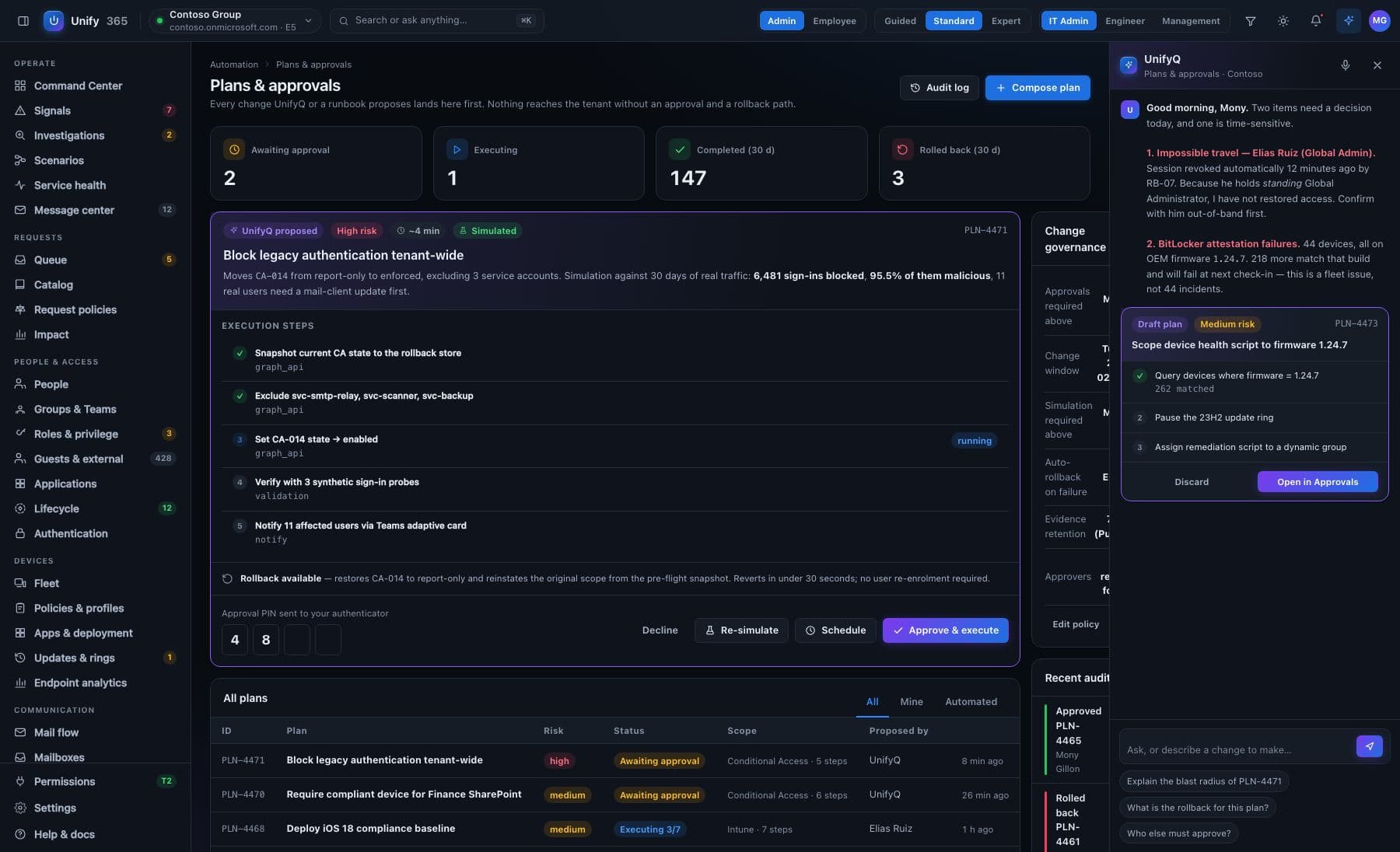
Nothing changes without a yes.
Every change — a license swap, a password reset, a device wipe — walks through the same five doors, gated in proportion to how much it could break.
See it first
The exact before-and-after, spelled out — on the real, current data.
Type to confirm
You type the name of what's changing. No accidental clicks, ever.
Second opinion
A different admin must approve what you proposed. Routines can require two sign-offs.
On the record
Who asked, who approved, what changed, when — written down, permanently.
Undo button
Most changes can be rolled back for 30 days. It tells you honestly when one can't.
Careful by design.
Starts look-only
When you connect, Unify365 can only read. The ability to change anything is a separate permission you grant later — if and when you’re ready, one area at a time.
Everything on the record
Every question asked and every change made is written down — who, what, when, and what it looked like before. Your records, exportable anytime, ready for any audit.
The 30-day undo
Changed your mind? Most changes roll back with one click for 30 days. And when something genuinely can’t be undone, Unify365 says so before you approve it — not after.
It even watches itself. Unify365’s own monitoring flagged a risky admin setup in our company — and separately spotted two forgotten app accounts still holding live keys. It found both on its own, told us plainly, and confirmed when we fixed them. That’s the product we’re selling you.
The questions they’ll ask. Answered straight.
What access does Unify365 get when we connect?
Could another customer ever see our data?
Who can approve changes?
What gets logged, and can we export it?
What can it never do?
Where do credentials live?
Bring your security reviewer.
We like those calls.
Unify365 is in development. Join the waitlist and you’ll hear from us first when it’s ready for your company.
Look-only until you decide otherwise.