“I can't sign in” — solved from one screen, not five portals.
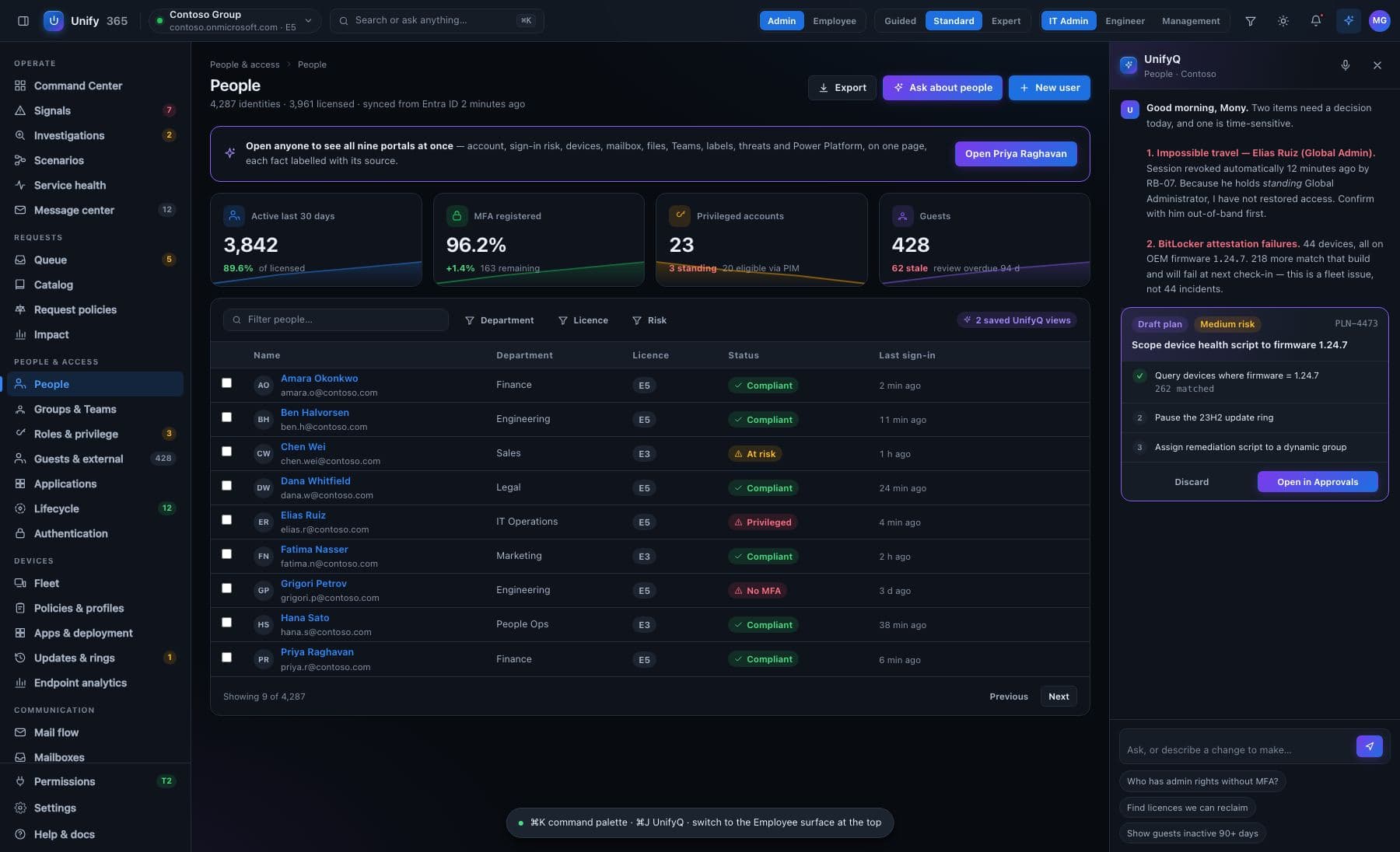
When one person is broken, the answer is scattered: the account lives in one console, the laptop in another, the phone in a third, sign-in history in a fourth. Unify365 puts one person's entire tech life on a single page, with every fact stamped with how fresh it is.
Four steps, start to proof.
Search the person
One search box. Pick the person, and their whole world loads: account status, recent sign-ins with locations, laptop health down to disk encryption and pending updates, phone, mailbox settings, licenses, and the groups that give them access.
Spot the odd thing out
Everything is on one screen, so the odd thing stands out: the phone that got blocked last night, the password that expired, the sign-in from a new country, the mailbox rule someone created. Ask in plain English — “why can't Maria get email?” — and get an answer that cites where it looked.
Fix it through the gate
The common fixes are one approval away: reset the password, unblock the sign-in, re-sync the laptop, fix the mailbox rule. You see the exact change first; it runs when you say yes; it's recorded; most of it can be undone.
Check it stayed fixed
The page keeps watching. Freshness stamps update as new checks come in, so “it works now” is something you can see — not something you hope.
Every change here walks through the five doors.
See it first
The exact before-and-after, spelled out — on the real, current data.
Type to confirm
You type the name of what's changing. No accidental clicks, ever.
Second opinion
A different admin must approve what you proposed. Routines can require two sign-offs.
On the record
Who asked, who approved, what changed, when — written down, permanently.
Undo button
Most changes can be rolled back for 30 days. It tells you honestly when one can't.
Built honest, on purpose.
Freshness on every fact
Each source shows when it was last read — “checked 4 minutes ago” vs “checked 3 days ago” changes what you trust, so we always show it.
Gaps stay gaps
If a source can't be read — a missing permission, a service having a bad day — that fact is labeled “not readable”. It is never quietly left blank, because a blank reads as “fine”.
Correlated, not mixed up
Laptop facts come from multiple Microsoft systems that often disagree. Unify365 shows the disagreement instead of averaging it away — because the disagreement is often the clue.
What it won't pretend: if we haven't been granted access to read something — say, phone details — that section says so and names the permission. A partial picture labeled as partial beats a complete-looking picture that isn't.
Does this replace our helpdesk tool?
Can helpdesk staff see everything about everyone?
Ask. Approve. Done.
Unify365 is in development. Join the waitlist and you’ll hear from us first when it’s ready for your company.
Look-only until you decide otherwise.